A screen protector is a small purchase with a surprisingly involved installation step. A low price loses its appeal if the protector does not fit the exact device or the supplied tools make alignment difficult. Begin with the phone or tablet model, the existing case and the maker's installation instructions. Then compare the kit contents rather than simply the number of protectors in the pack. One correctly fitted protector can be more useful than several spares that share the same cutout or case-clearance problem.
Verify the exact device fit
Check the complete model and generation, including differences in size or screen shape. Compare camera openings, sensor areas and edge coverage. A protector described by screen diagonal alone may not fit the intended device. If a fingerprint sensor or other screen function is relevant, look for explicit guidance from the protector and device makers rather than a blanket compatibility assumption. Read any device-specific setup or recalibration steps before deciding that an installation problem can be solved by changing settings later.
Include the case in the measurement
A case can overlap the screen edge and may push against a protector that extends too far. Check the protector maker's case-fit guidance and compare it with your actual case. Raised edges and curved areas deserve attention in photographs and dimensional information. Do not trim a rigid protector to force it to fit. If changing both case and protector, consider a documented combination or a return policy that allows the intended fit assessment within its stated conditions.
Look at the installation tools
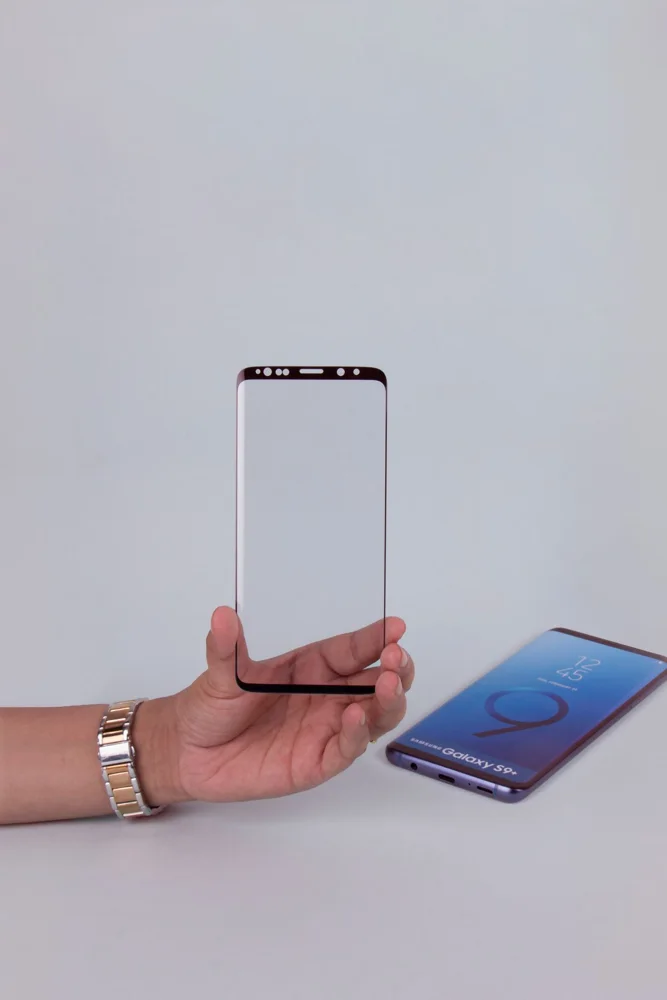
An alignment frame can help only if it is made for the correct device and used according to instructions. Check for the cleaning and dust-removal materials the kit actually includes. Prepare a clear workspace and read the full sequence before opening adhesive-backed parts. Avoid assuming that extra wipes or a large applicator make a kit automatically better. The best tools are those that reduce the specific alignment and handling tasks required by that protector design.
Compare replacement value realistically
A multipack can be useful for a household with matching devices or for an installation spare. It is less valuable when you do not yet know whether the product fits your case and screen preferences. Read any replacement guarantee carefully, including delivery charges and claim conditions. Protection claims should be interpreted within the described test or use, not as a promise that the device screen cannot break. Follow the removal instructions when replacing a damaged protector rather than improvising with sharp tools.
THE USEFUL TAKEAWAY
Choose a screen protector as a fit-and-installation system. Exact model support, case clearance and usable alignment tools matter more than a large pack count. Read claims and replacement terms carefully, then follow the intended installation and removal method so a small accessory does not create unnecessary work.
Further information
Manufacturer and official references for the details discussed. Check instructions for the exact product you are considering.