USB-C describes a connector shape, but two cables with that connector can serve very different jobs. A cable suitable for charging a phone may not offer the data performance or display support needed elsewhere on your desk. Begin with a named task and the devices at both ends, then compare the cable's documented capabilities. This avoids paying for specifications you do not use while also preventing a cheap-looking replacement from becoming the weak point in a setup that needs more than basic charging.
Write down the complete connection
Identify the source device, destination device and purpose: charging, moving files or connecting a display. Read the requirements for both devices rather than choosing from the cable ends alone. For video, include the adapter or dock in that check. USB-C ports do not all provide the same functions. A cable listing should make its supported capabilities clear enough to compare with those requirements; an unexplained fast label is not a substitute for specific documented support.
Compare power and data separately
USB-IF's cable guidance distinguishes power capability from supported data rate in its marking requirements. Look for both where relevant. A high power rating does not by itself tell you how quickly files can move, and a data figure does not settle every display use. Keep the units distinct: watts describe power, while data speed is expressed separately. Do not buy the largest number simply because it is larger; buy the capability required by the devices and task.
Choose length around the actual route
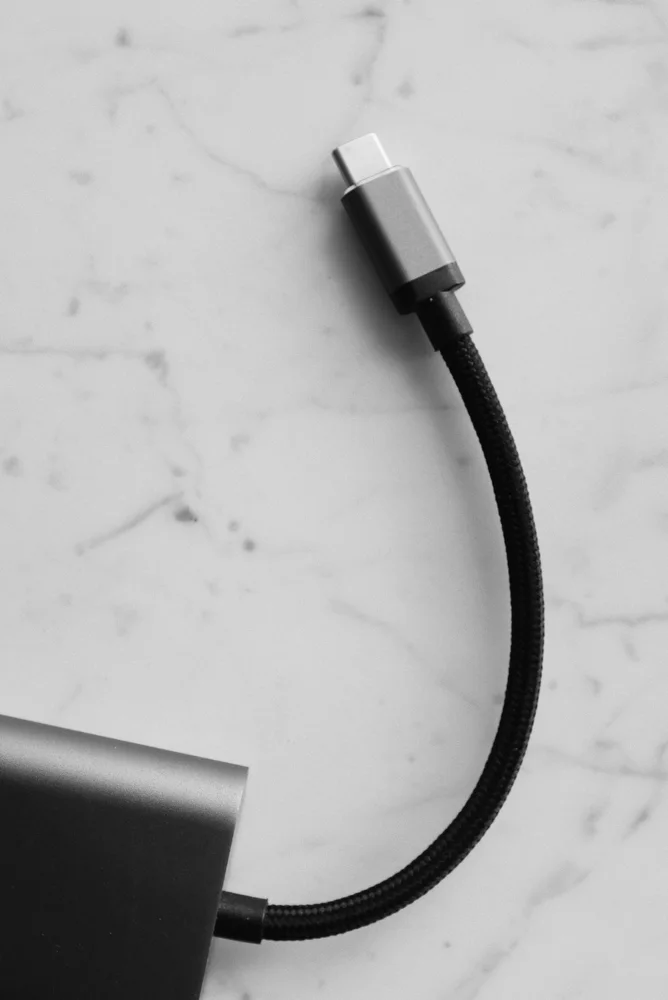
Measure from port to port along the route the cable will follow, allowing a reasonable bend near each end. A very short cable can pull on a connector, while excess length can clutter a portable kit. Check the construction around the plug if it must fit beside another connected cable or through a phone case opening. Braiding is a handling and durability feature to assess, not evidence that the internal electrical capabilities meet your requirements.
Keep proven cables identifiable
Once a cable works for a specific job, label or store it so that its purpose remains clear. Keep packaging or an order record with the exact model and specifications. This is particularly useful when several similar-looking cables live in the same drawer. Inspect for damage and follow device and cable instructions. If a replacement must support a dock or monitor, verify the whole combination again rather than assuming every cable from the same seller has identical capabilities.
THE USEFUL TAKEAWAY
Choose a USB-C cable by the job it must perform, then verify the devices and any adapter involved. Clear capability information is more useful than connector shape or a fast-charging slogan. A modest, documented cable that meets the real requirements can offer better value than an expensive cable chosen without a purpose.
Further information
Manufacturer and official references for the details discussed. Check instructions for the exact product you are considering.