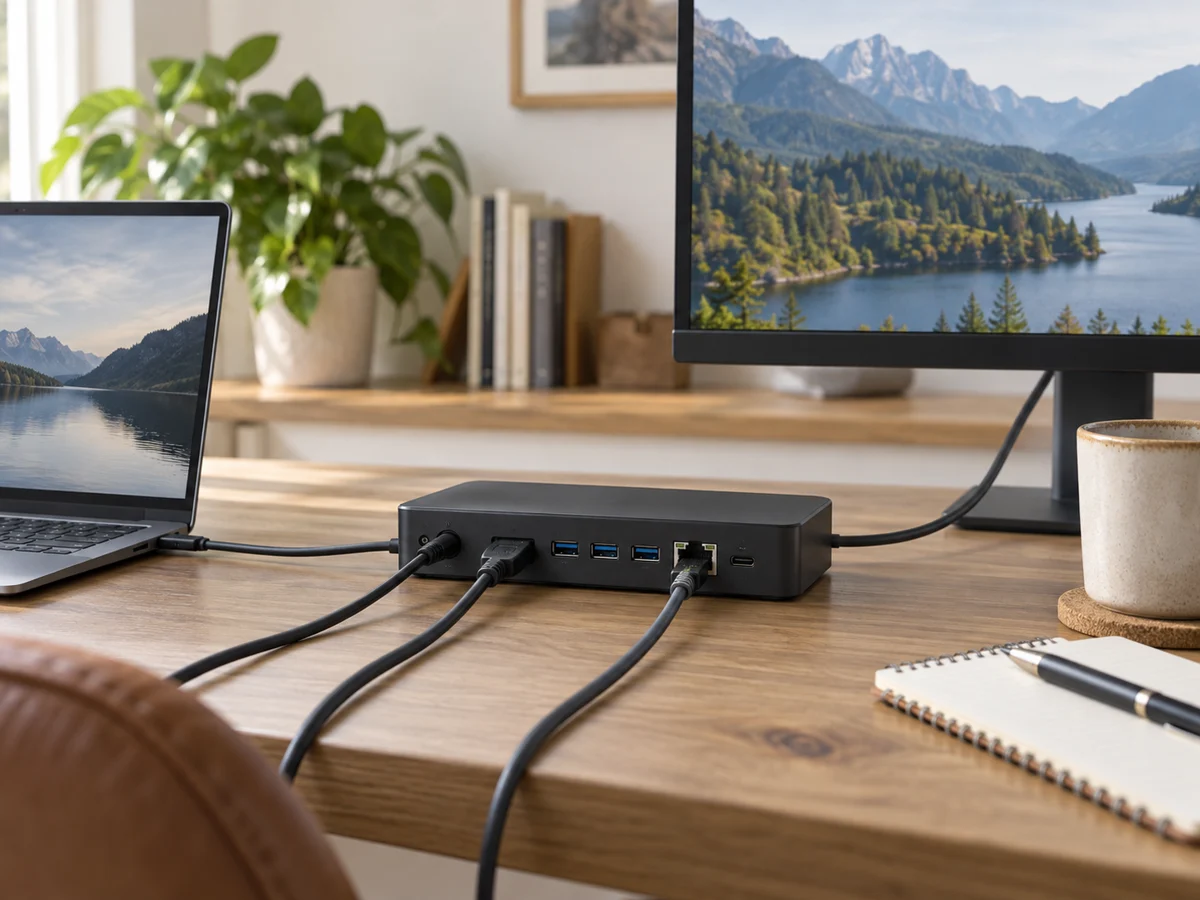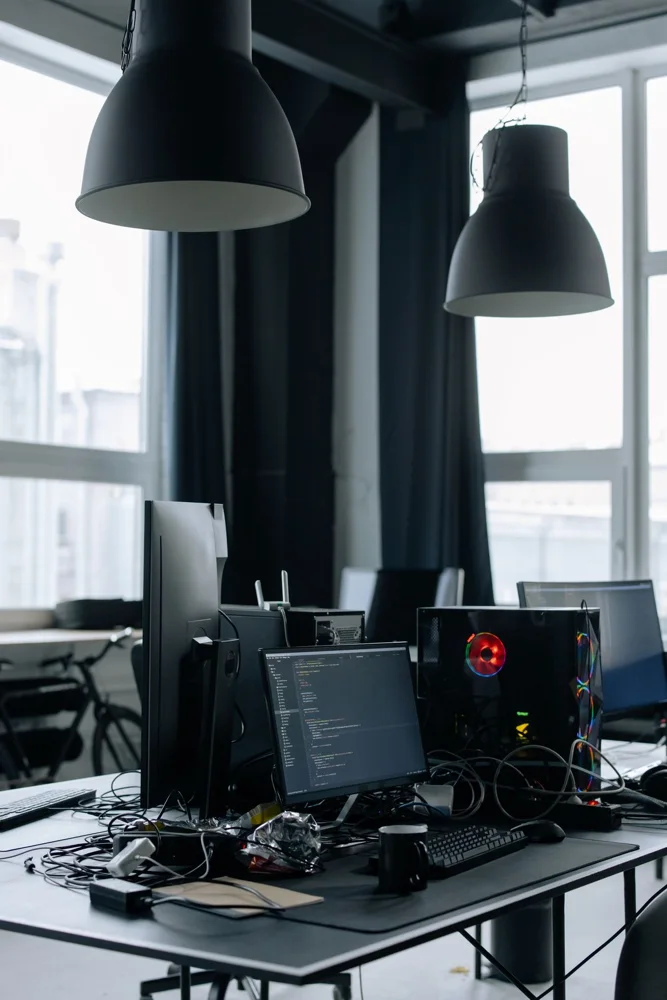
A monitor on a shallow desk needs to leave room for the keyboard, mouse and a comfortable viewing position. Choosing by diagonal size alone can lead to a screen that looks impressive but sits too close or leaves little usable surface. Begin with the desk depth and the arrangement of your existing equipment. Then compare the monitor's complete stand footprint, adjustment and connection requirements. A slightly smaller display with a practical stand may offer more useful workspace than a larger panel whose base consumes the area needed for everyday work.
Measure the full stand arrangement
Find the monitor's dimensions with its stand, including how far the base extends forward and behind the screen. Mark that footprint on the desk and add space for cables. The screen may sit well forward of the base's rear edge, so exterior depth does not directly describe the viewing position. Check whether you can adjust height and tilt without the stand hitting a wall or shelf. Include the keyboard position you normally use instead of moving it forward just to make the monitor fit.
Choose size around actual tasks
Consider documents, spreadsheets, video calls or other work rather than assuming a larger panel improves everything. Look at resolution, scaling options and supported text display on your operating system. If possible, view representative content at a realistic distance. OSHA advises considering the monitor with the rest of the workstation, which is especially relevant on a shallow desk. A bigger screen that requires an unsuitable position may offer less practical benefit than a manageable display with readable settings.
Check connections and adjustment alternatives
Verify the computer's supported outputs and the monitor's inputs, including required cables or adapters. Check the exact resolution and refresh modes you intend to use. If the supplied stand is the limiting factor, compare an approved mounting option rather than automatically reducing screen size. A monitor arm needs its own desk, interface and load checks, and its joints may require space behind the desk. Do not assume an arm always moves the screen farther back in a tight layout.
Consider lighting and daily access
Look at reflections from windows and lamps at the proposed screen position. OSHA's workstation guidance recommends arranging light sources to reduce screen glare. Check whether controls, ports and a webcam remain reachable after installation. A rear-facing connector may need a bend space not obvious in a front photograph. Include speakers or a headset if audio matters and the monitor does not provide the required function. Compare the complete useful setup rather than paying for display extras that duplicate equipment you already own.
THE USEFUL TAKEAWAY
For a shallow desk, choose the monitor as part of the whole workstation. Stand depth, readable content and a suitable viewing position matter alongside screen size. Verify connections and lighting before buying, and assess any mounting alternative carefully so the proposed space saving remains real in the finished setup.
Further information
Manufacturer and official references for the details discussed. Check instructions for the exact product you are considering.