A travel mouse should be small enough to carry and large enough to use comfortably for the work you actually do. The flattest design may save space in a bag while feeling awkward during a long spreadsheet session. Start with your laptop, the connection options available and the surfaces where you usually work. Then consider the battery or charging routine. A simple mouse with a dependable connection and a protected place in the bag can provide more value than a compact model chosen mainly for an unusual folding shape.
Choose the connection deliberately
Check whether the mouse uses Bluetooth, a dedicated receiver or a wired connection, and verify support for your computer and operating system. A receiver needs a suitable port and a place to store it when traveling. Logitech's receiver information illustrates that compatibility is tied to the supported product system rather than every small USB receiver being interchangeable. If a work computer restricts pairing or software installation, confirm the available method before buying features that depend on those permissions.
Balance size with working comfort
Measure the mouse rather than assuming a travel label describes the right fit. Consider how your fingers rest on the buttons and where your palm sits. A very narrow body may be easy to pack but require an uncomfortable grip for longer tasks. Try a typical scrolling and pointing motion if possible. Decide whether extra buttons serve an actual task and check that their functions are supported on your operating system. An ordinary shape may be the most versatile choice between home and travel.
Check the surface and storage routine
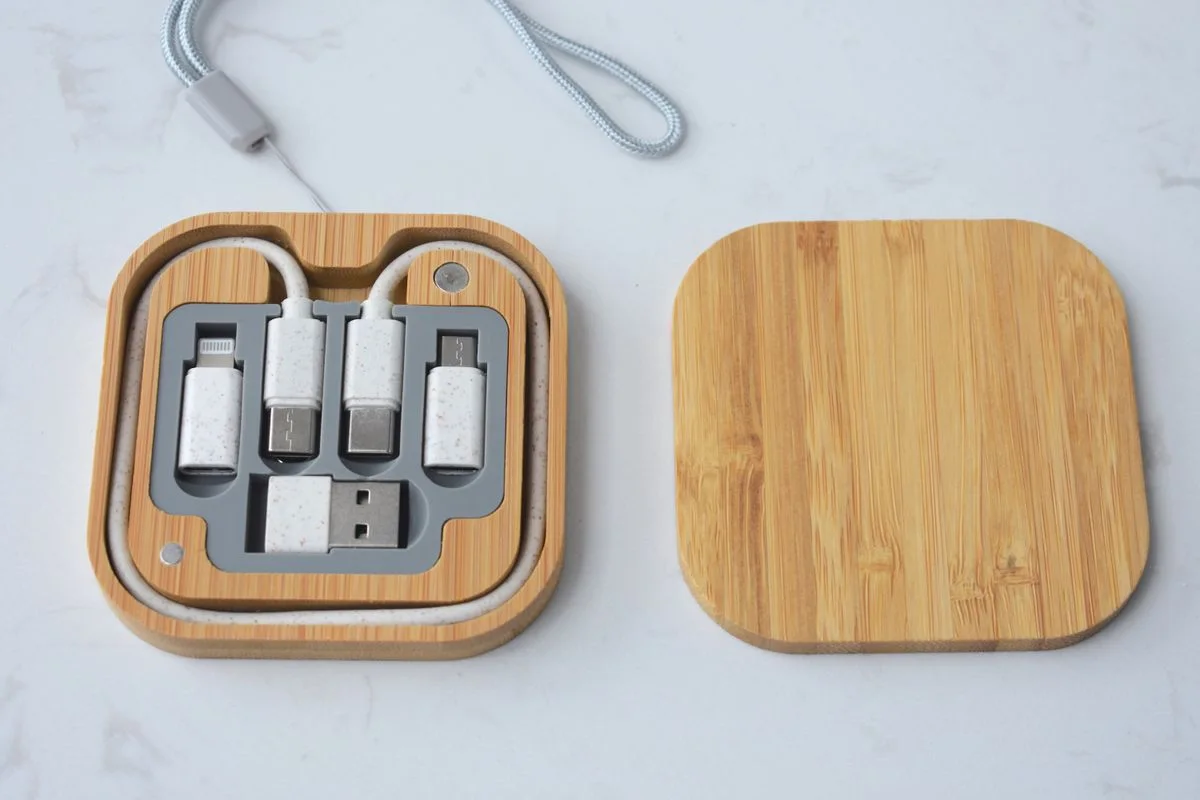
Look at the maker's stated surface requirements and take a small suitable mouse pad if needed. Do not assume any sensor works reliably on glass or every café table. Inspect the power switch and how easily it could be pressed inside a bag. A pouch can keep grit away from the underside and prevent buttons being held down by other items. Include the receiver or cable in that storage plan so the compact mouse does not become a collection of easy-to-lose parts.
Compare power and replacement options
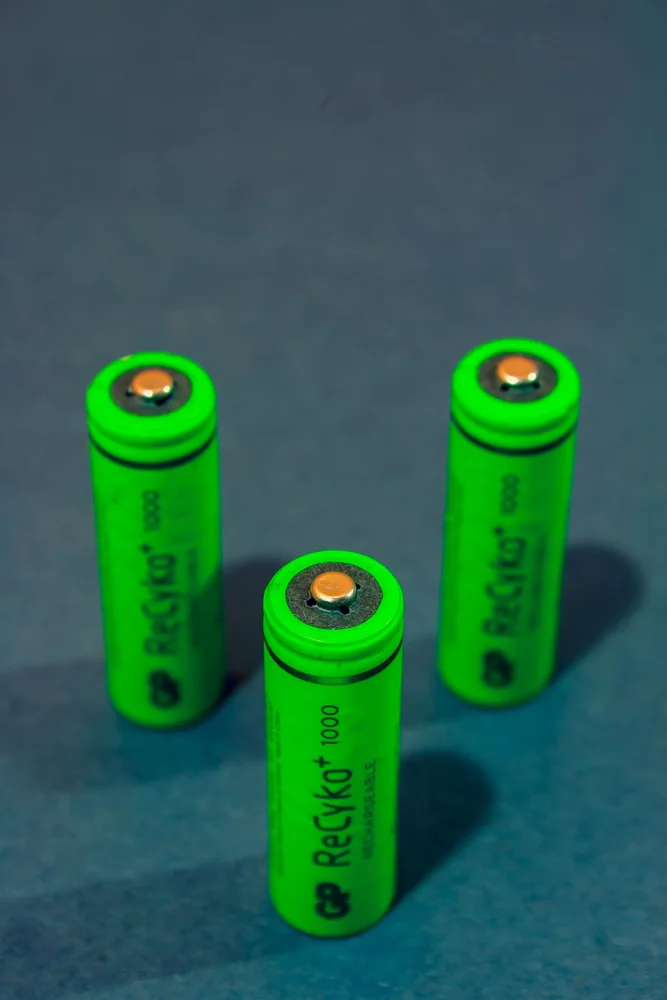
Replaceable batteries and rechargeable designs create different routines. Check the battery type or charging cable, then decide what is easier to replenish during your normal work. For an internal battery, read service and disposal information rather than assuming it is user-replaceable. Keep a spare receiver only if the maker explicitly supports it with your model. Save pairing instructions somewhere accessible, since reconnecting to a borrowed or replacement computer can happen when the original packaging is far away.
THE USEFUL TAKEAWAY
A work-bag mouse should suit both the journey and the work session. Choose a comfortable shape with a documented connection, manageable power needs and a simple storage routine. Compact dimensions are useful, but they should not make everyday pointing, scrolling or replacing a lost receiver unnecessarily difficult.
Further information
Manufacturer and official references for the details discussed. Check instructions for the exact product you are considering.