A desk light for both reading and video calls must illuminate different things. Reading needs light on the page, while a call needs a useful view of your face from the camera's position. One lamp may serve both tasks if it can be placed and adjusted appropriately, but a brighter bulb alone does not settle the choice. Begin with the desk, screen and existing room light. Then compare reach, control and mounting, looking for a simple arrangement that does not create glare or occupy the space needed for work.
Separate page light from camera light
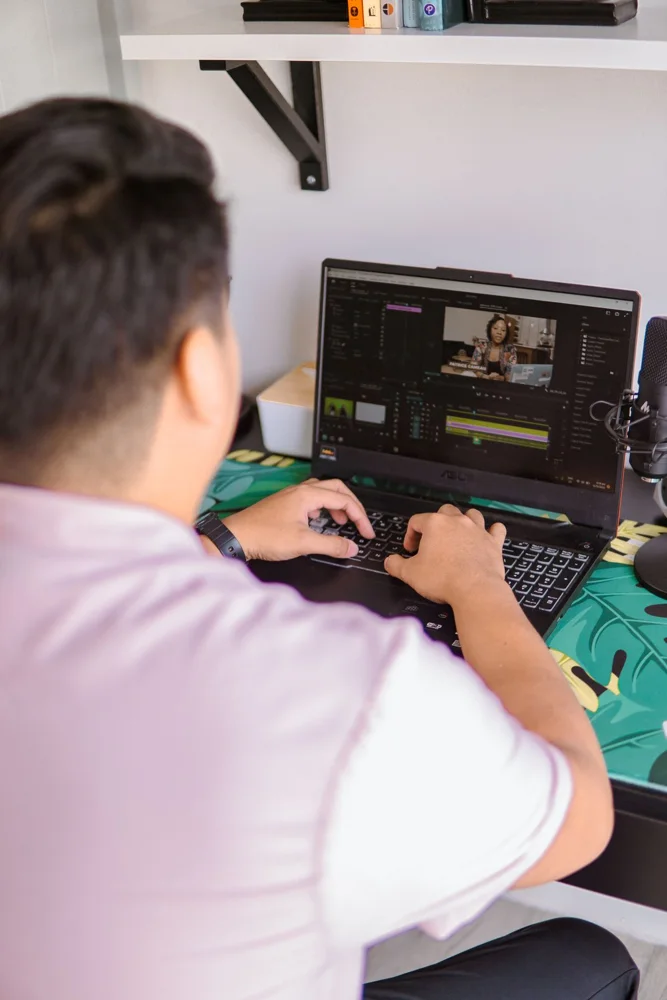
Mark where books or papers sit and where the webcam views your face. A lamp aimed directly at a page may leave your face poorly lit, while a light facing you may reflect from the monitor. Check the movement needed to switch between tasks. If you rarely make calls, a good task lamp may be the main purchase and existing room light may handle the occasional meeting. Avoid buying a large call-light assembly before identifying the actual lighting problem.
Check glare in the working position
Sit where you normally work and look for reflections on the screen, glasses or glossy paper. OSHA's workstation guidance recommends positioning task lighting so it does not reflect on the screen. Use the lamp's adjustment and room arrangement to test that relationship. A shade or diffuser can be relevant, but read the product design and intended use rather than assuming a bare bright source is suitable. A controllable light may be more useful than a fixed-output lamp with a larger headline brightness.
Compare reach, base and mounting
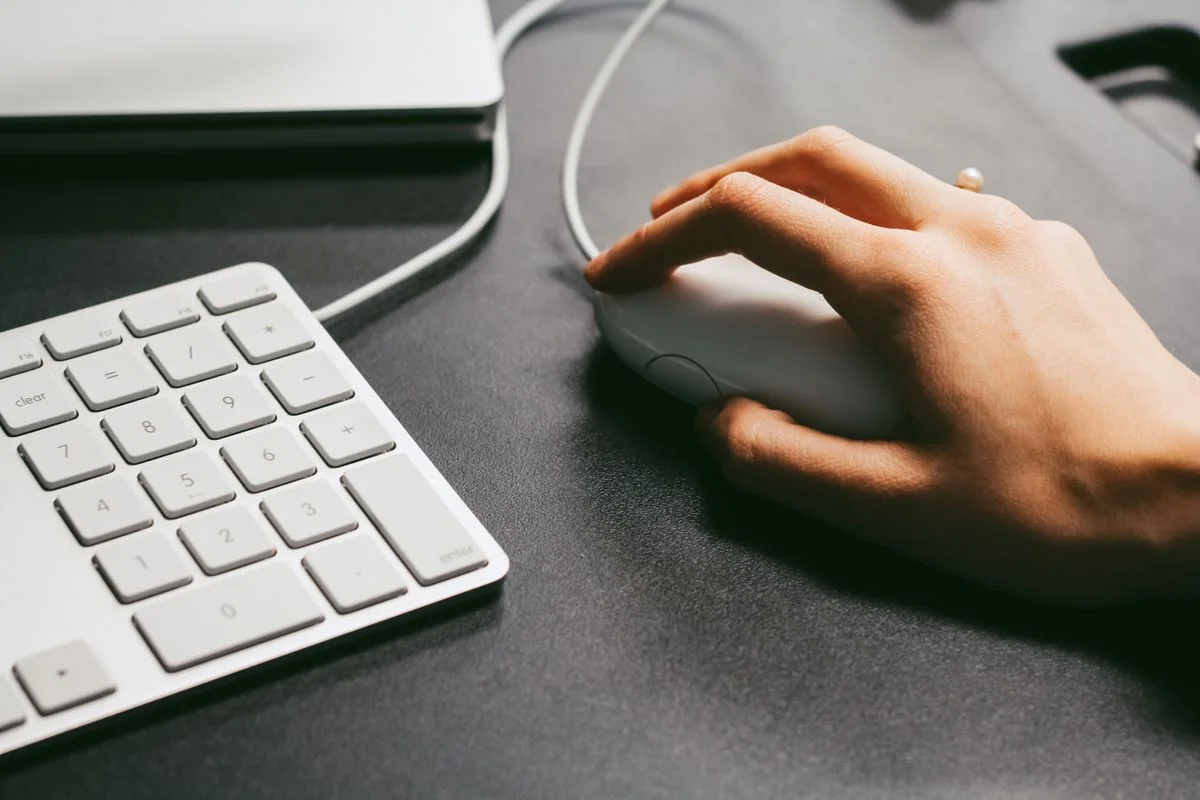
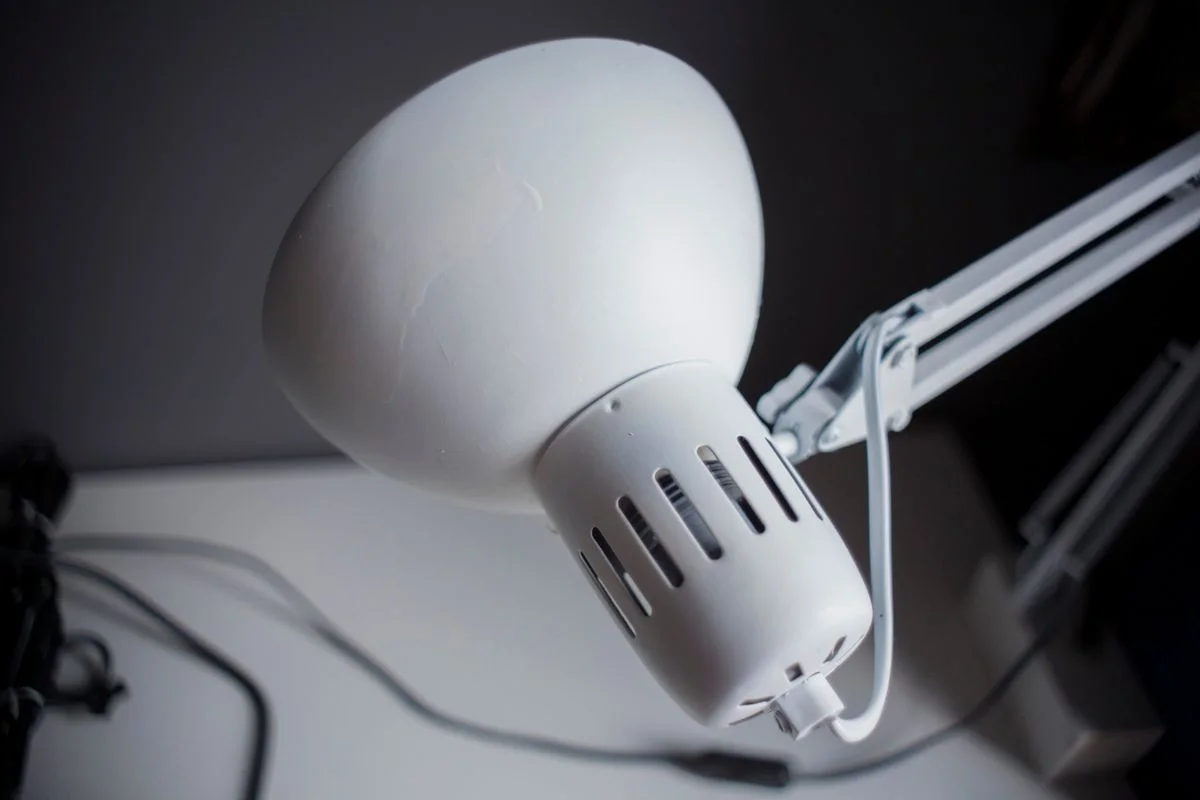
Measure how far the head must move over the reading area without placing the base in the keyboard or mouse zone. An articulated arm needs room for its joints, and a clamp needs a compatible desk edge and correct installation. Check the lamp's stability and permitted adjustment method. A small base can save surface space but still require a wider movement envelope. Include cord reach and the position of controls so adjusting the lamp does not mean leaning behind the desk each time.
Read power and replacement details
Check whether the light uses a replaceable bulb or an integrated source, and read the support information for the complete product. A USB-powered light needs the specified supply; do not assume any nearby port provides the required power. Include a separate adapter if necessary. Compare brightness settings, memory behavior and any indicator lights that affect everyday use. Optional color controls are useful only when you will use them, while clear basic controls make a shared desk easier to manage.
THE USEFUL TAKEAWAY
Choose a desk light around where its light needs to land. Useful adjustment, glare control and accessible switches matter more than maximum brightness. Verify the power and mounting arrangement, then compare the cost of one adaptable lamp with the simpler existing-light options that may already support occasional calls.
Further information
Manufacturer and official references for the details discussed. Check instructions for the exact product you are considering.