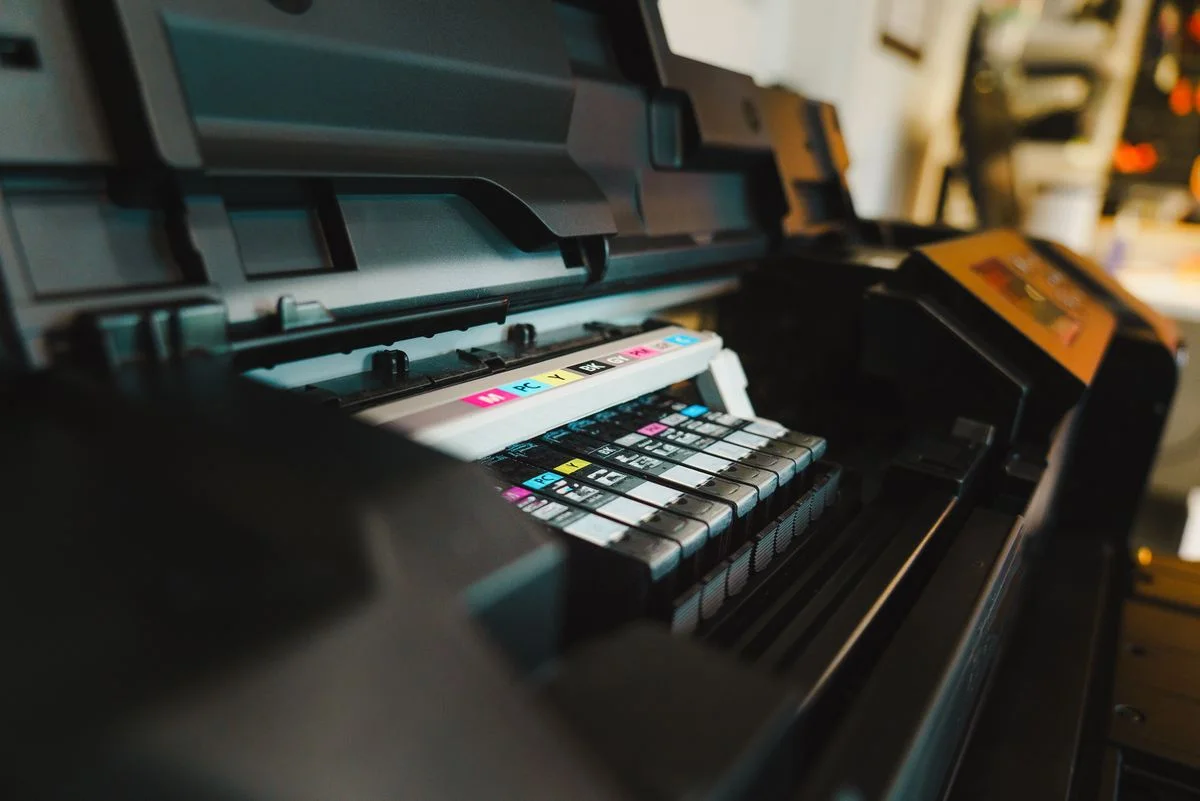
Ink cartridge availability deserves attention before you choose a printer, not only when the first cartridge runs out. Similar-looking machines can use different supply codes, and regional or product revisions can matter. Begin with the exact printer model and the official supply list for your location. Then compare replacement choices and the amount you expect to print. A lower printer price can be misleading if the cartridges are difficult to source, bundled in quantities you will not use or tied to conditions that do not suit your household.
Find the complete cartridge code
Use the printer maker's official compatibility information and include any regional suffix or variant. Do not choose a supply by appearance or a partial family name. HP publishes compatibility notices for certain cartridges, illustrating that revisions can matter as well as the basic number. If considering a third-party supply, read the printer's stated requirements and the supplier's exact compatibility claim. A seller's broad fits-many-printers label should not replace verification against your model and region.
Compare yield on a consistent basis
Look at the declared page yield and its test conditions for each candidate supply. A high-yield name does not tell you how much better value the cartridge offers until you compare price and stated yield. HP explains that real results vary with printed content and usage, so avoid treating a declared figure as a guaranteed number of your pages. Check whether the printer's included cartridges differ from replacement cartridges, especially when a tempting bundle uses the starter supply to imply a longer period without purchase.
Understand what must be replaced
Check whether colors are separate, combined or supplied through another system. Read how the printer operates when a particular supply is depleted; do not assume every model can continue every task with only black ink. Look for maintenance consumables or waste containers in the manual. A simple table of required codes, approximate purchase prices and replacement conditions makes the ongoing cost easier to understand. Compare only systems that meet your actual color and print-volume needs.
Buy stock around realistic use
A multipack can be useful when all its supplies are needed, but check storage instructions and any dates or limits on the packaging. Avoid buying many cartridges before the printer is selected and its compatibility is clear. Read return conditions for unopened and opened supplies, since they can differ. If a subscription is involved, understand ownership, cancellation and the status of service-supplied cartridges. Keep product codes in your household records so a later purchase does not rely on the color of the previous box.
THE USEFUL TAKEAWAY
Treat ink as part of the printer selection. Exact compatibility, replacement conditions and realistic supply use matter more than cartridge size names or a large multipack discount. Keep a simple record of the required codes and costs, and choose a system whose ongoing purchases remain understandable and accessible.
Further information
Manufacturer and official references for the details discussed. Check instructions for the exact product you are considering.