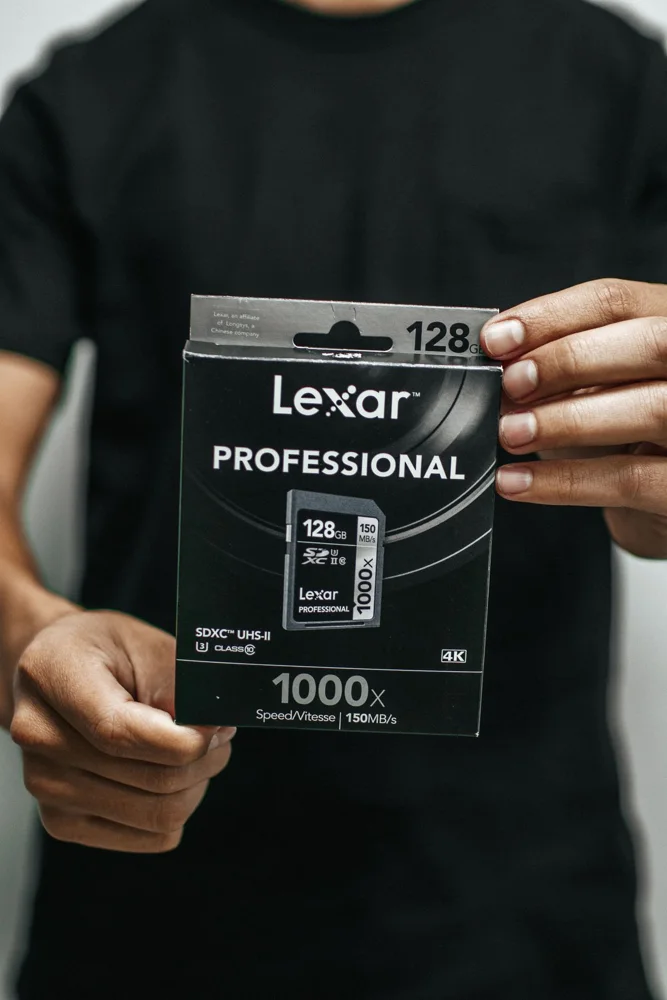
A memory card should meet the requirements of the camera, recorder, console or other device that will use it. Capacity and a large speed number are not enough to establish that match. Begin with the device manual and its supported card formats, capacities and performance classes. Then compare an exact card model from a reliable seller. A suitable card is a better purchase than a faster-looking one whose advertised maximum does not address the minimum sustained performance or host compatibility needed for your normal recording or storage task.
Read the device's supported card list
Find the manual or official compatibility information for the exact device and firmware where relevant. Check physical format, capacity range and any required class markings. An adapter can change the physical shape without establishing every electrical or performance requirement. Do not assume a card works because another model from the same device family accepts it. For demanding recording modes, look for the maker's recommended requirements for that mode rather than borrowing specifications from ordinary still-image or basic storage use.
Distinguish class from peak speed
The SD Association describes speed classes as minimum sequential performance under defined conditions. That is different from a prominent maximum transfer figure on packaging. Match the class required by the host, using the Association and device maker's guidance. Read units carefully and avoid comparing a data-rate figure expressed in bits with one expressed in bytes as if the numbers were equivalent. A card's full capability also depends on the host and connection used to access it.
Choose capacity around the workflow
Estimate how much material you create between safe transfers or backup steps. A larger card may reduce swaps, while several smaller cards can suit a different working routine. Neither arrangement removes the need for appropriate copies of valuable files. Check the device maker's formatting instructions and use the prescribed method rather than assuming the card arrives ready for every device. Keep a suitable reader in the cost comparison if your computer does not have the required slot.
Plan purchase records and handling
Buy from a seller with clear product identification and a practical return route. Keep the exact model, capacity and proof of purchase, since similar packaging can cover different versions. Store unused cards in a protective holder and label them without obscuring useful identification. Follow the device's guidance for inserting, removing and handling cards, including when it is safe to interrupt operation. If a card produces errors, preserve important data and follow support guidance rather than relying on repeated formatting as an automatic fix.
THE USEFUL TAKEAWAY
Choose a memory card by the host's documented requirements and your file workflow. Capacity, class markings and connection support all deserve separate checks. A clearly identified suitable card, handled correctly and backed up appropriately, provides more practical value than a headline speed figure chosen without reference to the device.
Further information
Manufacturer and official references for the details discussed. Check instructions for the exact product you are considering.