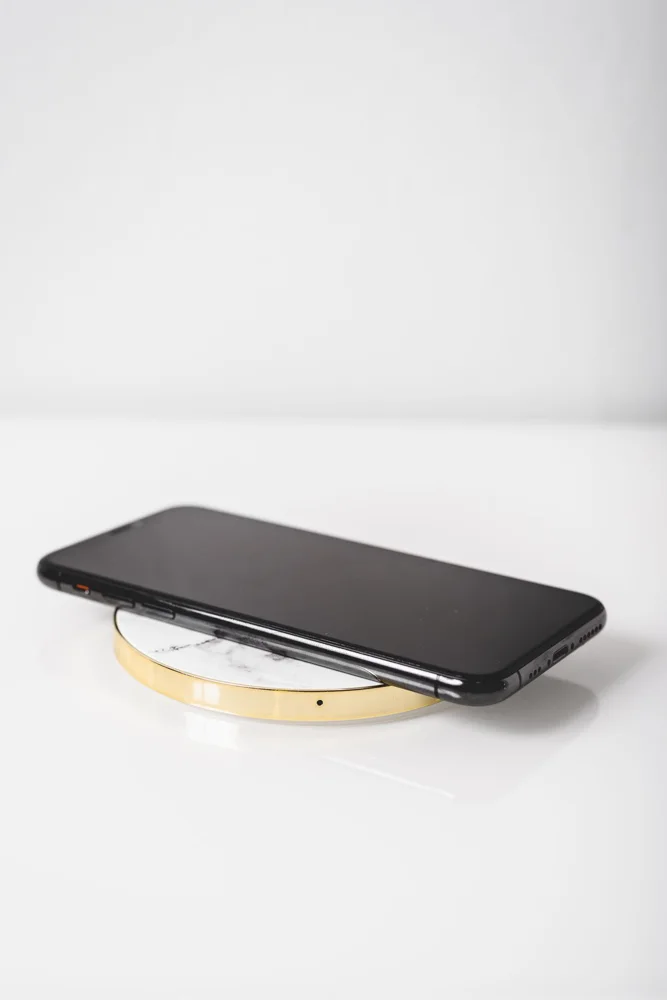
A wireless charging pad can make putting down a phone feel simple, but the full setup includes the phone, case, charging pad and power adapter. A compatibility logo or magnetic ring does not answer every question about that combination. Begin with the exact phone model and its official guidance, then inspect the case and the place where the phone will sit. The pad earns its cost when charging starts reliably in an ordinary routine, without requiring repeated repositioning or the removal of accessories you use throughout the day.
Check phone and pad support
Read the phone manufacturer's supported wireless charging methods and the pad maker's compatibility information. Compare the exact models rather than relying on a shared connector name or a broad works-with-phones statement. Check whether the advertised performance requires a specific power adapter or cable. Those components may be sold separately. A pad that supports a method your phone can use may still operate differently from the fastest combination mentioned in the marketing, so read the conditions carefully.
Include the case and attachments
Apple advises trying case removal when a thick, metal or battery case interferes with wireless charging. Use the relevant guidance for your own phone and case. Wallets, grips and other attachments need separate compatibility checks rather than being assumed harmless because they fit the phone. Look at any raised camera section that affects how the device sits. If removing the case every night would be inconvenient, choose a documented compatible arrangement instead of treating case removal as a permanent workaround.
Choose flat or upright placement
A flat pad needs enough surface area for the phone to rest without being easily nudged. An upright stand can make a screen visible but introduces a support ledge and possible restrictions on orientation. Check whether your phone's position aligns as the maker instructs. Consider the cable route, indicator light and how close the setup sits to the edge of a table. A charging surface should remain accessible when the room is used normally, not only when the desk is cleared for a product photograph.
Assess the routine before buying extras
If possible, try the complete phone-and-case combination during the seller's return window. Check that charging starts in the positions you naturally use, following the instructions. Do not place unrelated objects between the phone and pad or improvise spacers. Keep the setup clean and operate it within the maker's conditions. If wired charging already meets your needs, compare the convenience honestly: a wireless pad is an optional arrangement, not a requirement to replace a suitable existing charger.
THE USEFUL TAKEAWAY
Wireless charging value depends on the whole setup working together. Verify the phone, case, pad and power supply, then choose a position that suits your routine. A simple documented combination is easier to live with than a promising pad that needs repeated adjustment or inconvenient accessory removal every time.
Further information
Manufacturer and official references for the details discussed. Check instructions for the exact product you are considering.