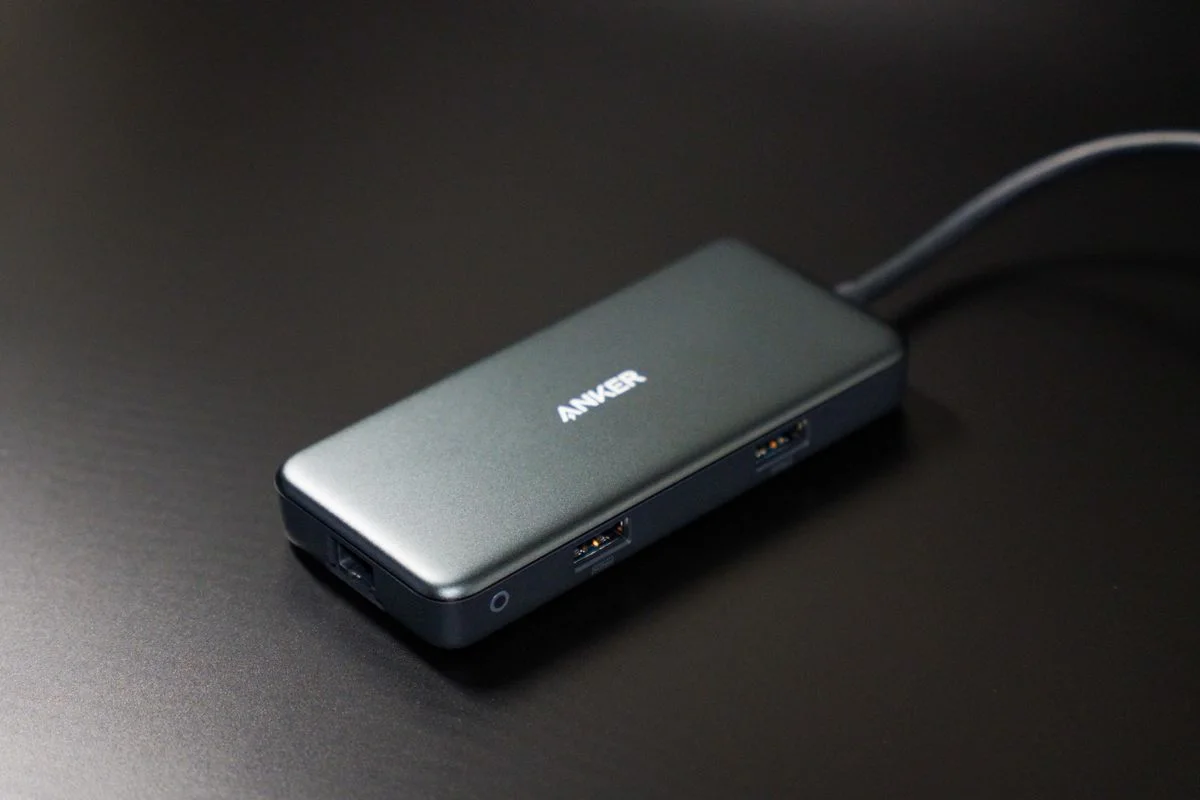
A USB hub is useful when it adds the connections you actually need without making the rest of the setup uncertain. A long list of ports can conceal questions about the host connection, power supply and simultaneous use. Begin with your computer's exact model and the devices you intend to connect. Write down which must work at the same time. This turns a vague search for more ports into a comparison of a specific working arrangement, and helps avoid paying for connections that will remain empty.
Start at the computer port
Read the computer's official specifications for the port you plan to use. USB-C is a connector shape, so do not infer every data, display or charging function from its appearance. Check the hub's host requirements against the computer and operating system. If the hub includes display output, investigate that path separately rather than assuming it works because ordinary USB devices connect. Clear model-specific support information is more useful than a listing that groups many unrelated computers together.
Count the ports in simultaneous use
List the keyboard, mouse receiver, drive and other accessories that will remain connected. Include occasional items only when their overlap matters. Look at port spacing, since a wide flash drive or receiver may block the adjacent socket. A hub with fewer well spaced ports can be more useful than a crowded one. Check the upstream cable length and whether the hub will sit flat where you need it instead of hanging from the laptop's connector.
Understand power and shared capability
Read the hub maker's information about power input, supported peripherals and any limits when ports are used together. A charging input may provide pass-through power to the computer without making every peripheral port a high-power charging outlet. Verify that distinction for the exact model. Compare the documented data capabilities with your intended drives and tasks, and avoid treating the sum of port labels as a promise that all transfers will run at their individual maximum simultaneously.
Choose a manageable support route
Check whether the hub requires drivers, updates or a particular operating system version for any included function. Save the product manual and exact model number. If a supplied cable is detachable, confirm replacement requirements before substituting a similar-looking lead. Try the actual device combination during the seller's stated return period when possible. A simple hub with a clear support page and the right ports can be easier to maintain than a feature-packed adapter whose individual functions are poorly documented.
THE USEFUL TAKEAWAY
Choose a USB hub around a documented computer-and-peripheral combination. The right upstream connection, suitable power arrangement and usable port spacing matter more than a large port count. Verify display and charging features separately, and keep the complete model information so replacing a cable or troubleshooting later is straightforward.
Further information
Manufacturer and official references for the details discussed. Check instructions for the exact product you are considering.